
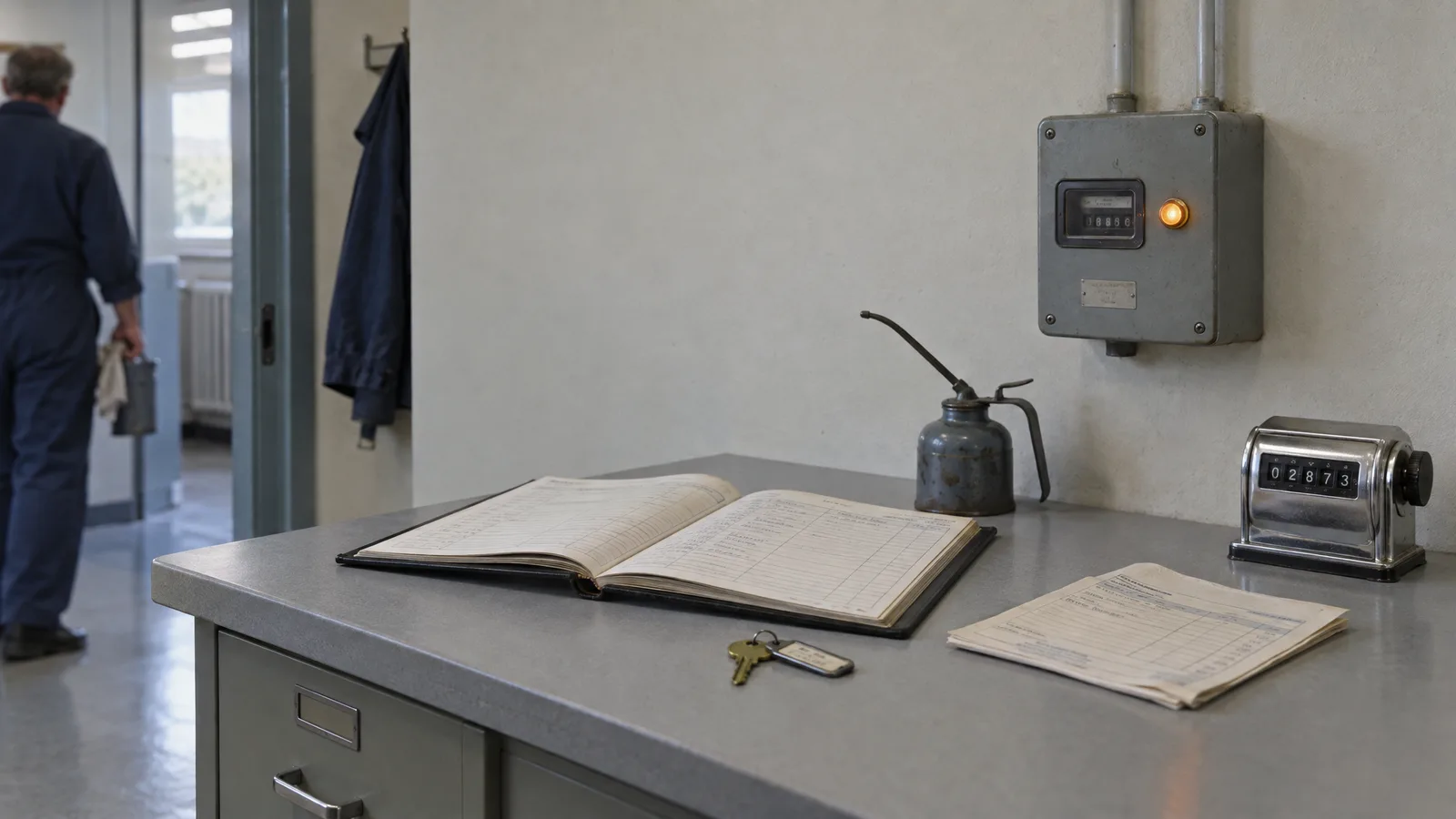
Software maintenance cost is the running cost of keeping a live system secure, stable and useful. For most business software, plan on a yearly amount equal to a meaningful share of the original build cost, and treat it as a permanent budget line from day one. Over the full life of a system, maintenance usually adds up to more than the build itself. Below you will find what the cost includes, how it is calculated, which factors move it, and a simple way to budget it.
TL;DR
- Maintenance is not a one-off bill. It is the ongoing cost of fixing bugs, patching security, updating dependencies, keeping integrations alive and making small improvements.
- Older research puts maintenance at well over half of a system’s lifetime cost. The build is the smaller part of what you will spend.
- A practical planning method: take a yearly percentage of the build cost, then adjust for complexity, integrations, uptime needs and code quality.
- Split your budget into “keep the lights on” and “continuous improvement”, and review actual spending against it after twelve months.
- Skipping maintenance does not save money. It defers the cost, usually into an emergency fix or a rewrite.
What software maintenance cost actually covers
Maintenance cost is everything you spend on a system after it goes live, apart from building genuinely new products. A web shop, an internal tool or a customer portal all need the same kinds of attention, because the world around them keeps changing: browsers update, payment providers change their interfaces, libraries reach end of life, and attackers look for known weaknesses.
In practice the work falls into a handful of buckets:
- Bug fixes. Defects that appear in real use, often only with real data or real traffic.
- Security updates. Patching the framework, the server, and every third-party package you depend on.
- Compatibility updates. Keeping the product working as operating systems, browsers, databases and hosting platforms change.
- Infrastructure. Hosting, backups, certificates, domains and the people who watch them.
- Monitoring and incident response. Knowing when something breaks before your customers tell you, and having someone who acts on it.
- Small improvements. Minor changes that keep the software useful as your business evolves.
For business-critical systems, add documentation upkeep, backup testing and compliance-related changes. In Switzerland that often means data protection obligations under the revised Federal Act on Data Protection, plus whatever your sector adds on top.
The four types of maintenance and where the money goes
Software engineering has long split maintenance into four types: corrective (fixing defects), adaptive (adjusting to a changed environment), perfective (improving or extending features) and preventive (cleaning up to avoid future problems).
The split of money between them is often a surprise. The US National Institute of Standards and Technology published an executive guide to software maintenance that puts maintenance at 60% to 70% of the total cost of software. It reports that perfective work makes up roughly 60% of maintenance spending, while adaptive and corrective work each account for about 20%.
That guide dates from 1985, so treat the exact proportions as a historical reference, not a forecast for your product. The lesson still holds: most maintenance money does not go to emergency repairs. It goes to making the software keep up with what the business needs. If your invoices show mostly firefighting, something upstream is wrong.
How much of a system’s life cost is maintenance?
The long-run answer is: most of it. A University of Zurich seminar on software cost estimation cites Boehm’s data from 487 business data processing installations, showing an average split between development and maintenance of 47 to 53. It also reports that over a ten-year life, large organizations such as General Telephone and Electronics and General Motors spent 60% and 75% of life-cycle cost on maintenance respectively.
These are large, old installations, not a modern startup web app. But the direction is consistent with what any team running software for years will tell you: the first invoice is the beginning of the cost, not the end.
For your own planning, this means two things. First, when you compare build quotes, ask what the system will cost to run in years two to five, not only what it costs to deliver. Second, decisions made during the build, such as how clean the code is, how well it is tested and how many external services it leans on, set the size of the maintenance bill for years.
How software maintenance is priced in practice
There is no single market price, because maintenance is priced in several different ways. Knowing which model you are looking at matters more than the headline number.
Percentage of license or build cost
Packaged software vendors usually price maintenance as a share of what you paid. A Swiss example is Vertec, whose Swiss price overview states a yearly maintenance fee of 17% of the license purchase price for software updates. Maintenance with a hotline costs between 22% and 35% a year, depending on user count, with 35% for one to five users and 22% for more than 100.
The pattern is useful beyond that vendor: a smaller user base pays a higher percentage, and adding hands-on support raises the rate noticeably.
For custom software, the same logic gives you a planning method. Many teams start from an assumed yearly percentage of the original build cost and then adjust it. Treat the percentage as a starting hypothesis, not a quote. A regulated product with high uptime needs will sit higher than a simple marketing site.
Monthly retainer
For custom websites and applications, a monthly retainer is the most common structure because it gives you predictable cost and a named team that knows your system. At Ampersand, our published plans work this way. Our Run & monitor plan costs CHF 750 per month. If you want senior technical guidance alongside, our Guidance plan costs CHF 799 per month. Larger scopes, such as our Run & improve plan and the Embedded, Full embed and Intensive options, are scoped to the product, so they have no published price.
Time and materials or fixed fee per task
Paying per hour or per ticket suits systems that are very stable and rarely touched. It becomes expensive and unpredictable when something breaks, because urgent work lands on whoever is available. If you choose this model, agree response times and rates in advance.
What drives maintenance cost up or down
Two systems with the same build price can differ enormously in what they cost to keep alive. These are the factors that matter most.
- Code quality and test coverage. Clean, modular, well-tested code is cheaper to change safely. Poorly structured code makes every small fix risky and slow.
- Age of the technology. Frameworks and languages reach end of support. The older the stack, the more time goes into workarounds, and the narrower the pool of people who can help.
- Integrations. Every connection to a payment provider, ERP, CRM, shop system or external API is a dependency that can change without asking you. More connections mean more upkeep.
- Uptime and support coverage. A system that must be reachable around the clock, with a guaranteed response time, costs more than one that can wait until Monday morning.
- Security and compliance requirements. Finance, health and any product handling personal data need more frequent patching, logging and review.
- Number of users and data volume. More users mean more load, more support questions and more edge cases.
- Documentation. When the system is documented, a new engineer gets productive in days. When it is not, you pay for the archaeology every time someone changes.
- Who does the work. Senior engineers cost more per hour, but they diagnose faster and fix causes, not symptoms. A cheap rate on a slow, repeated diagnosis is not cheap.
- Dependency on the original builder. If only one agency understands the code, you pay whatever they charge. Handover quality directly affects your future negotiating position.
A worked example
The numbers below are an illustration of the method, not a quote or a benchmark.
Imagine a custom customer portal built for CHF 120,000, connected to a CRM and a payment provider, used by a few thousand customers.
- Planning assumption. Suppose you plan for 15% to 25% of the build cost per year. That gives CHF 18,000 to CHF 30,000 a year, or CHF 1,500 to CHF 2,500 a month.
- Lower end. The code is well tested, the stack is current, and there is only one integration.
- Upper end. The portal handles sensitive data, you need fast response times, and two integrations are likely to change.
- Add a reserve. Keep a further 10% to 15% on top for the unexpected, and expect third-party prices such as hosting and licenses to rise a little each year.
Now split the figure. Say two thirds goes to “keep the lights on”: hosting, patching, monitoring and urgent fixes. The remaining third goes to continuous improvement: small changes that make the portal more useful. When you review after a year, you can see whether the split matches reality.
How to build a maintenance budget
A budget works when it is specific about what is covered and honest about what is not. Use this sequence.
- List what you run. Every application, integration, domain, hosting account, license and automation, with an owner for each.
- Classify each by criticality. What happens to revenue or operations if it is down for an hour, a day, a week?
- Set two budget lines. One for keeping things running (hosting, security patches, non-optional fixes), one for improvements. Mixing them hides what the software really costs and makes cuts look painless until something breaks.
- Choose a starting percentage. Use your planning assumption for the build cost, then adjust for the factors above.
- Add a reserve. Include an allowance for surprises and for price increases from the services you depend on.
- Agree response times in writing. What counts as urgent, how fast someone must react and what is included in the monthly fee.
- Review after twelve months. Compare actual spending with the budget line by line. If most of the money went to emergency fixes and almost none to improvement, the software is degrading even if the total looks fine. Change the structure, not just the amount.
Security is the part you cannot defer
Of all maintenance work, security patching has the clearest cost of delay. Known vulnerabilities in frameworks and packages are published openly, and automated scans find unpatched systems quickly. Regular updates are the baseline. Beyond that, it helps to know what your public-facing systems expose to the internet. External attack surface monitoring looks at your systems from the outside, the way an attacker would, and flags forgotten servers, open services and outdated components. Add it to the monitoring line of your budget if your product handles customer data.
If your system processes personal data, ask your data protection lead or legal advisor which obligations apply to your sector before you set the security budget.
How to reduce maintenance cost without raising risk
The cheapest maintenance is the kind you plan. These measures lower the bill over time without cutting corners.
- Invest in the build. Clean architecture, automated tests and written documentation make every later change cheaper. This is the largest lever and it is pulled before launch.
- Keep dependencies current. Small, frequent updates are easy. A five-year jump across multiple major versions is a project of its own.
- Limit integrations to what earns its place. Each connection is a future maintenance item. Prefer well-supported, stable interfaces.
- Automate the repetitive parts. Deployments, backups, tests and monitoring alerts should not depend on someone remembering.
- Choose the billing model that fits the system. A retainer for a living product, per-task billing for a stable one.
- Avoid lock-in. Insist on access to your code, hosting accounts and documentation. A vendor who makes you independent has no need to trap you.
- Do not let it slide. Deferred maintenance does not go away. It usually returns as an outage, a security incident or a rebuild, all of which cost more than the steady upkeep you skipped.
How we handle maintenance at Ampersand
We are a small Zurich studio, and senior engineers stay involved from the first conversation to handover. That continuity is why we aim to avoid the usual agency problems, such as rewritten requirements or staff changes halfway through a project. We design our work to leave you independent rather than locked in.
For ongoing care, our Run & monitor plan covers monitoring at CHF 750 per month, and our Guidance plan adds senior technical advice at CHF 799 per month. If your system has grown messy, we also do audits, migrations and replatforming. See the full list of services and plans to find the one that fits your product, or tell us what you run and we will suggest a realistic setup.
FAQ
What is a typical monthly software maintenance cost?
It depends on size, complexity and support coverage, so a single number would mislead you. A better method is to take a yearly percentage of the build cost and divide by twelve, as in the worked example above. In Switzerland, our Run & monitor plan starts the conversation at CHF 750 per month for monitoring.
What is the difference between maintenance and support?
Maintenance keeps the software healthy: patches, updates, monitoring and fixes. Support is the human side, answering questions and handling incidents within agreed response times. Many contracts bundle both, and Vertec’s pricing shows how adding a hotline raises the yearly rate.
Is maintenance cost included in the development price?
Usually not. A development quote covers delivering the system, often with a short warranty period for defects. Ongoing maintenance is a separate agreement, so ask for it to be quoted alongside the build.
Can I skip maintenance if the software works fine?
Software that works today can stop working when a browser, library or integration changes, and unpatched components are a security risk. A light plan with monitoring and security updates is the minimum for anything customers or staff rely on.
Sources
Talk to us
Have a project this touches on?
A free 10-minute call is the fastest way to find out whether we are the right studio for it.
Book a free 10-min callKeep reading
More articles.
AI Training for Teams: How to Plan One That Sticks
How to run AI training for your team: what to cover, how to find skill gaps, which workshop format fits, and how to measure whether it worked.
Read articleAgile vs Waterfall: How to Choose for Your Software Project
Agile vs Waterfall explained for software projects: how they differ, when each fits, how hybrids work in Switzerland, and how to pick for your build.
Read articleAPI Integration Best Practices: A Practical Guide
API integration best practices for Swiss businesses: patterns, security, idempotency, monitoring and ERP pitfalls, with a checklist you can use before you build.
Read article