
Getting a property portfolio off paper, with software that never goes online.
A Windows application for Repa Immobiliare's property managers: every repair, deadline and owners' meeting across the properties they manage, held in one place, synchronised across their machines without ever connecting to the internet.
Context
Who they are.
Repa Immobiliare manage real estate on behalf of owners. That work is a steady stream of obligations across many properties at once: repairs to arrange, schedules to hold, owners' meetings to prepare and follow up. Until now, all of it was tracked on paper.
The problem
What they walked in with.
Paper meant things went missing: a deadline here, a repair there, and no reliable way to see what was outstanding across the portfolio. They needed one place to hold it all, running on their own machines, staying in step with each other, and not depending on an internet connection to work.
Our approach
How we worked.
One place instead of paper
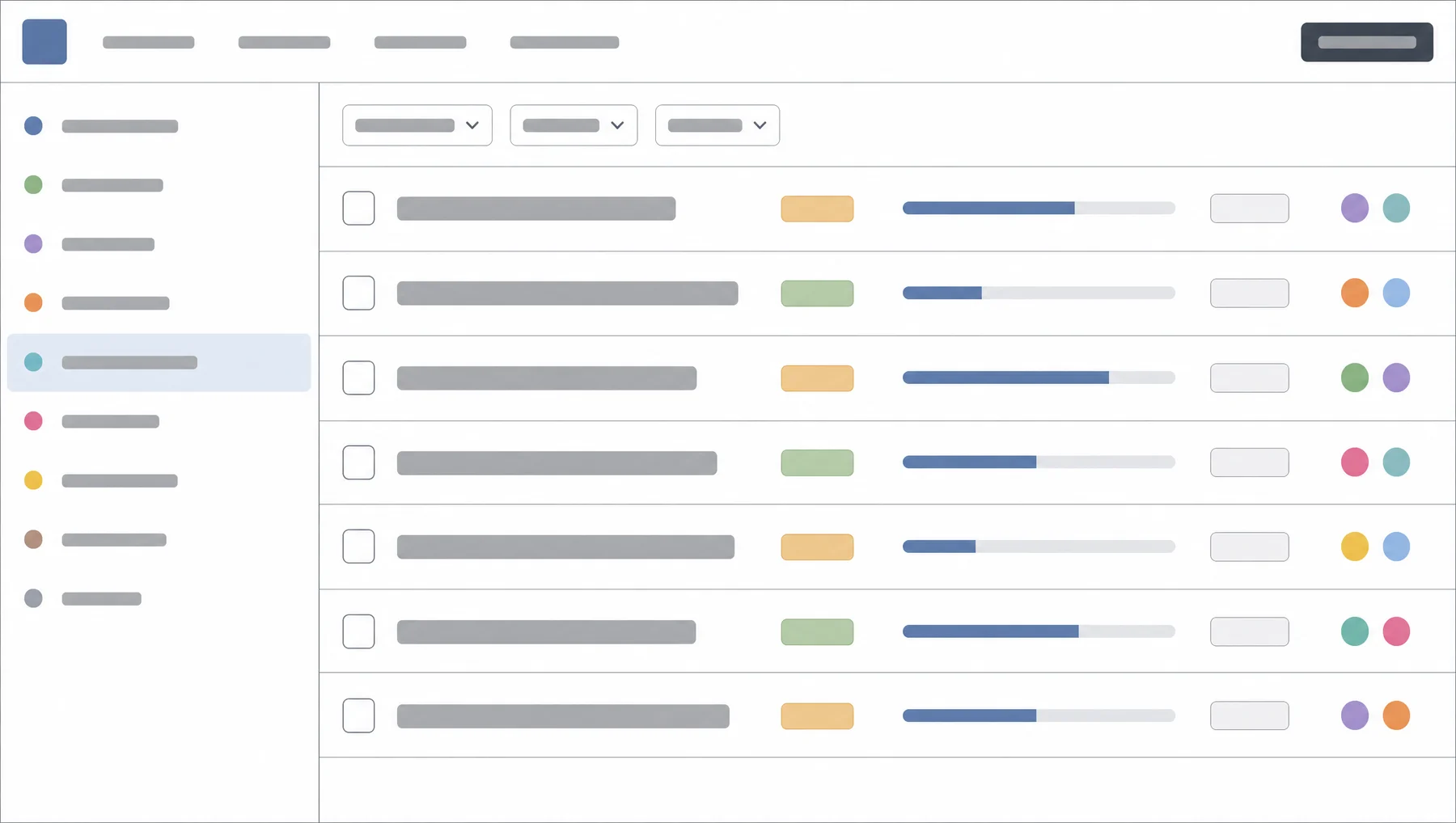
Tasks organised by property: repairs, schedules, owners' meetings. Each one can be commented on, broken into sub-tasks and assigned to a person, so every item has a visible owner and a visible history.
In sync, off the internet
The application keeps their machines in step with each other without going online. The data stays on their own equipment, which is how they wanted it.
Updates that take care of themselves
New versions are distributed centrally, so every machine ends up on the current build without anyone installing anything by hand.
Electron, again for good reason
A single codebase delivering a proper desktop application, which is what let two people build and ship the whole thing.
Highlights
The interesting parts.
- Every task carries comments, sub-tasks and an assignee, so a repair or a meeting has someone's name on it and a record of what happened.
- The machines stay synchronised with each other without an internet connection.
- Updates roll out centrally: everyone is on the newest version without doing anything.
Stack
What we built it on.
Timeline
How it unfolded.
Scope
How the work actually runs across the portfolio, and what has to keep working without a connection.
Build
The Electron application: properties, tasks, sub-tasks, comments and assignment.
Sync & updates
Keeping the machines in step with one another, and delivering new versions centrally.
Rollout
Onto their machines, and off paper.
More case studies
Habitects AG
Owning the tech side of a bathroom-renovation platform, all the way through a merger.
Part-time CTO for Habitects AG: keeping their B2B bathroom shop running while conceiving, staffing and shipping the configurator that turns a filled-in form into a rendered bathroom, then handing the whole thing over cleanly when the company merged.
ReadArthouse Kinos
A new website and ticket shop for Zürich's most iconic cinemas.
Concept, project lead and engineering for a new Arthouse website and online ticket shop, replacing an ageing WordPress site. The design was outsourced to Unstated International, and the ticketing integration was built against an API that had no usable documentation.
Read